Redact sensitive information from PDFs in seconds
Upload a PDF and we'll suggest what to hide. Review each suggestion, then download your redacted file.
or drop a PDF here · PDF only
Example redacted documents
Compare the original and redacted versions.
Dutch passport
Before
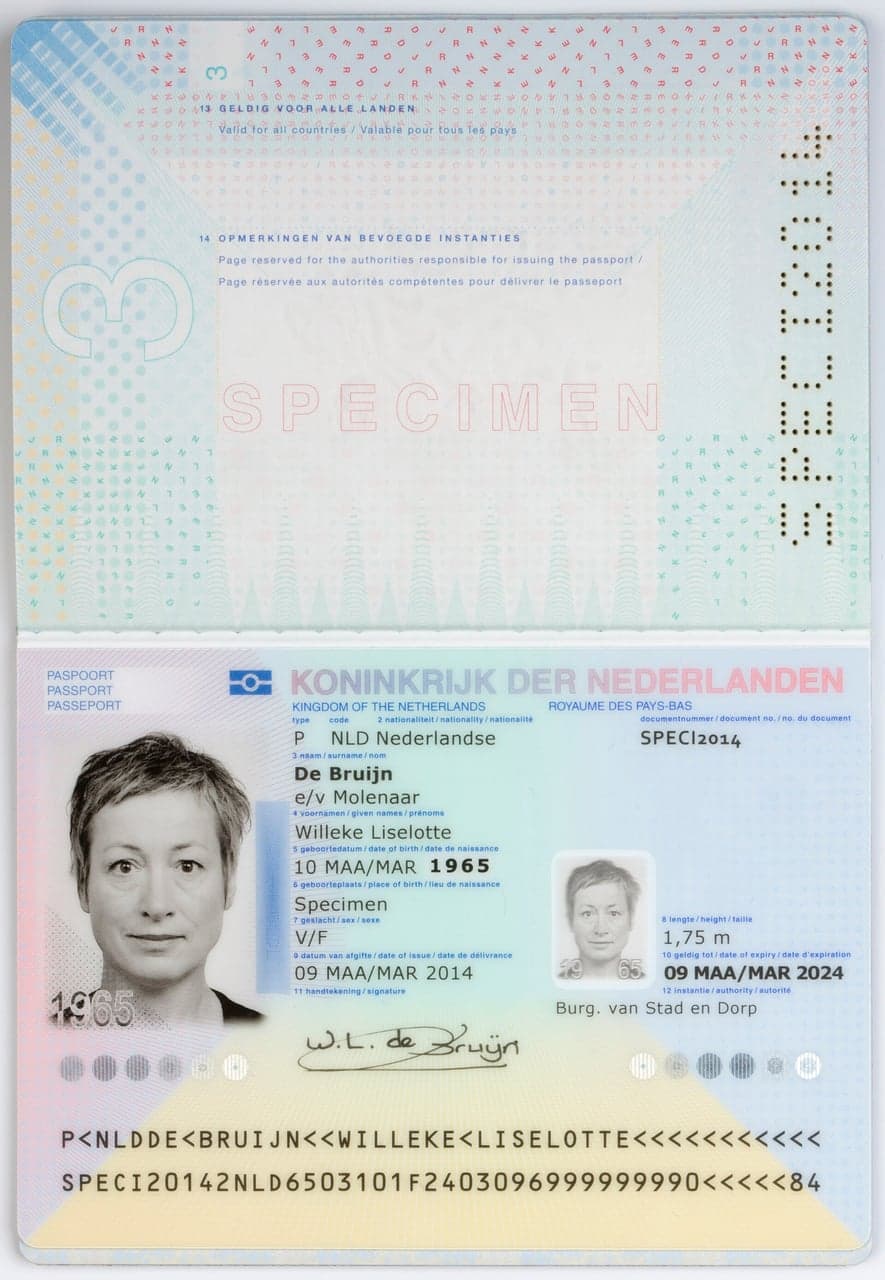
After
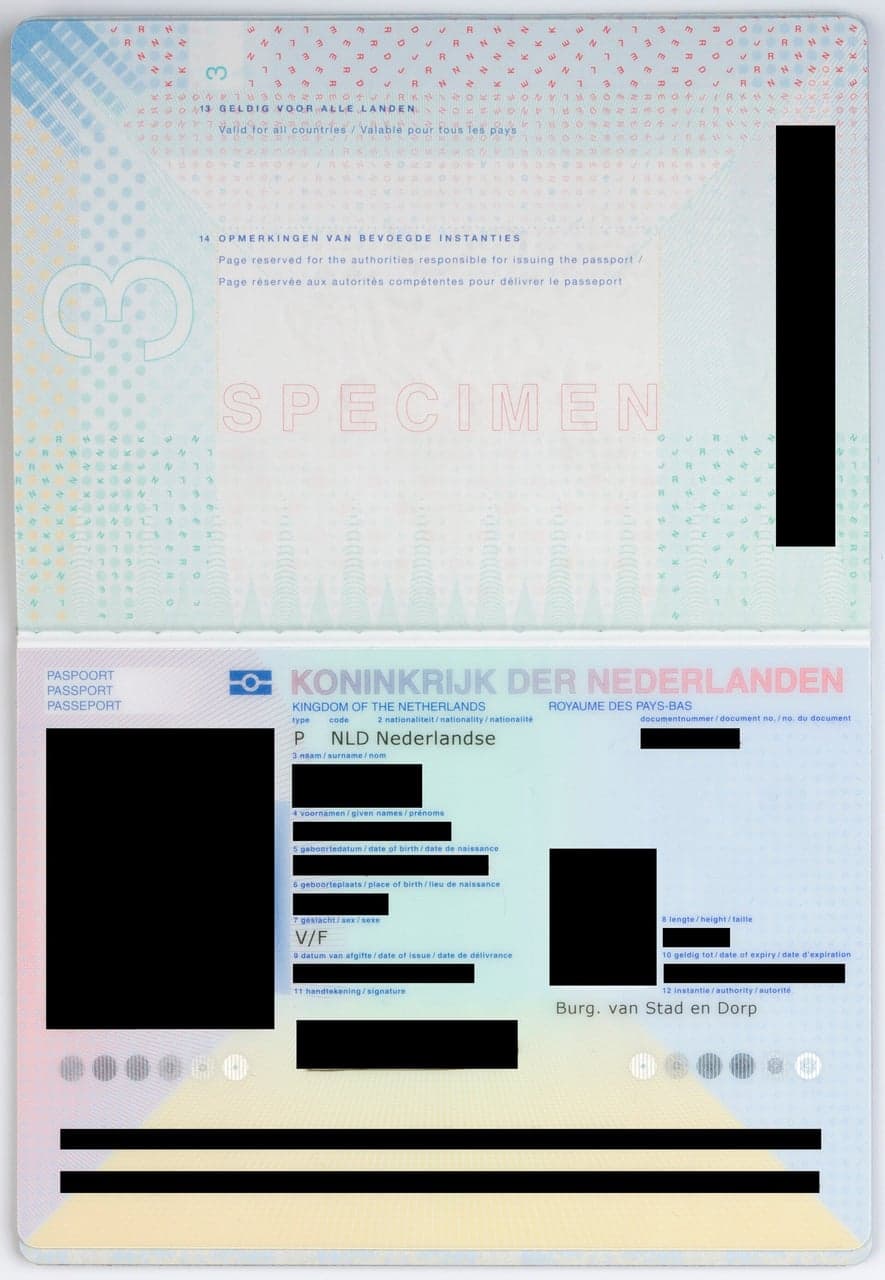
Before
IRS Form 1040
Before
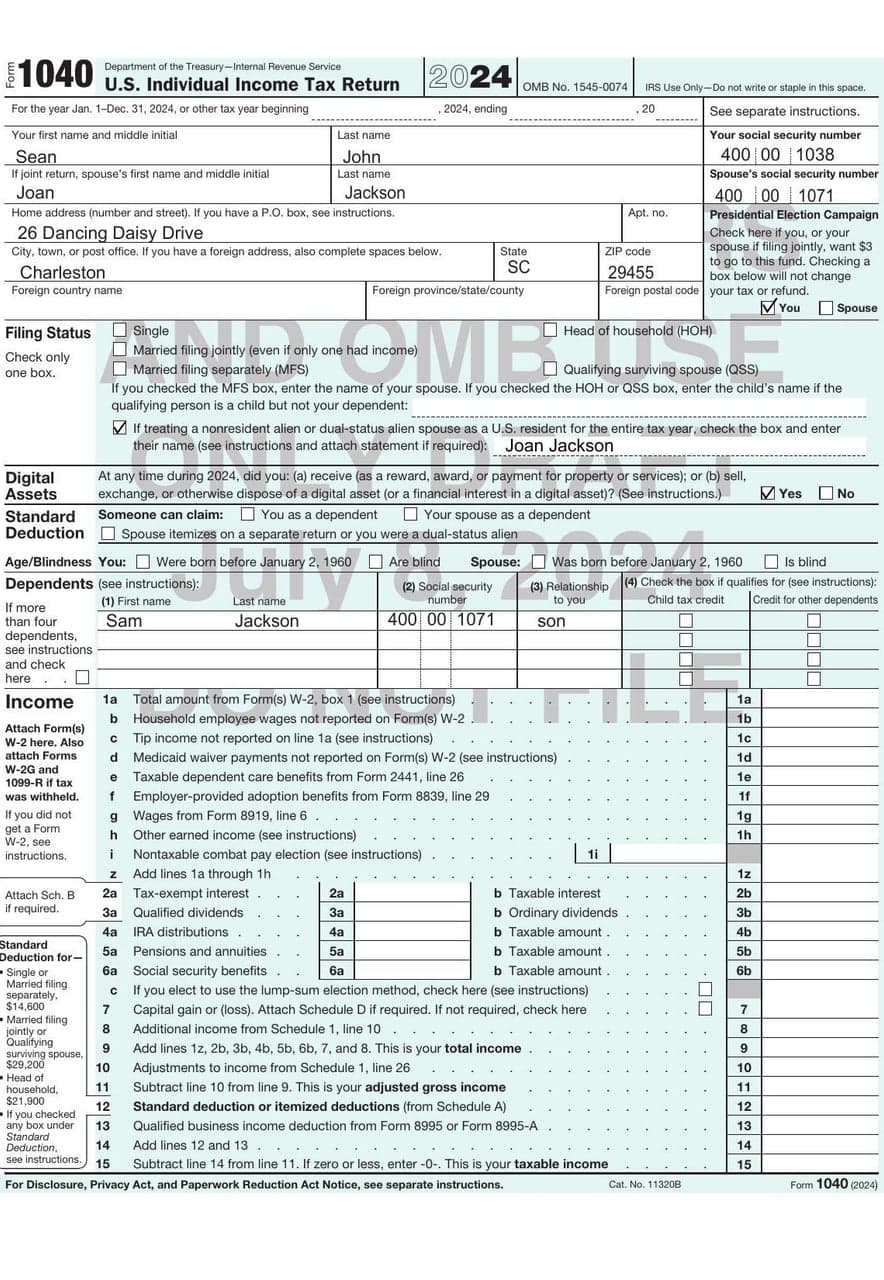
After
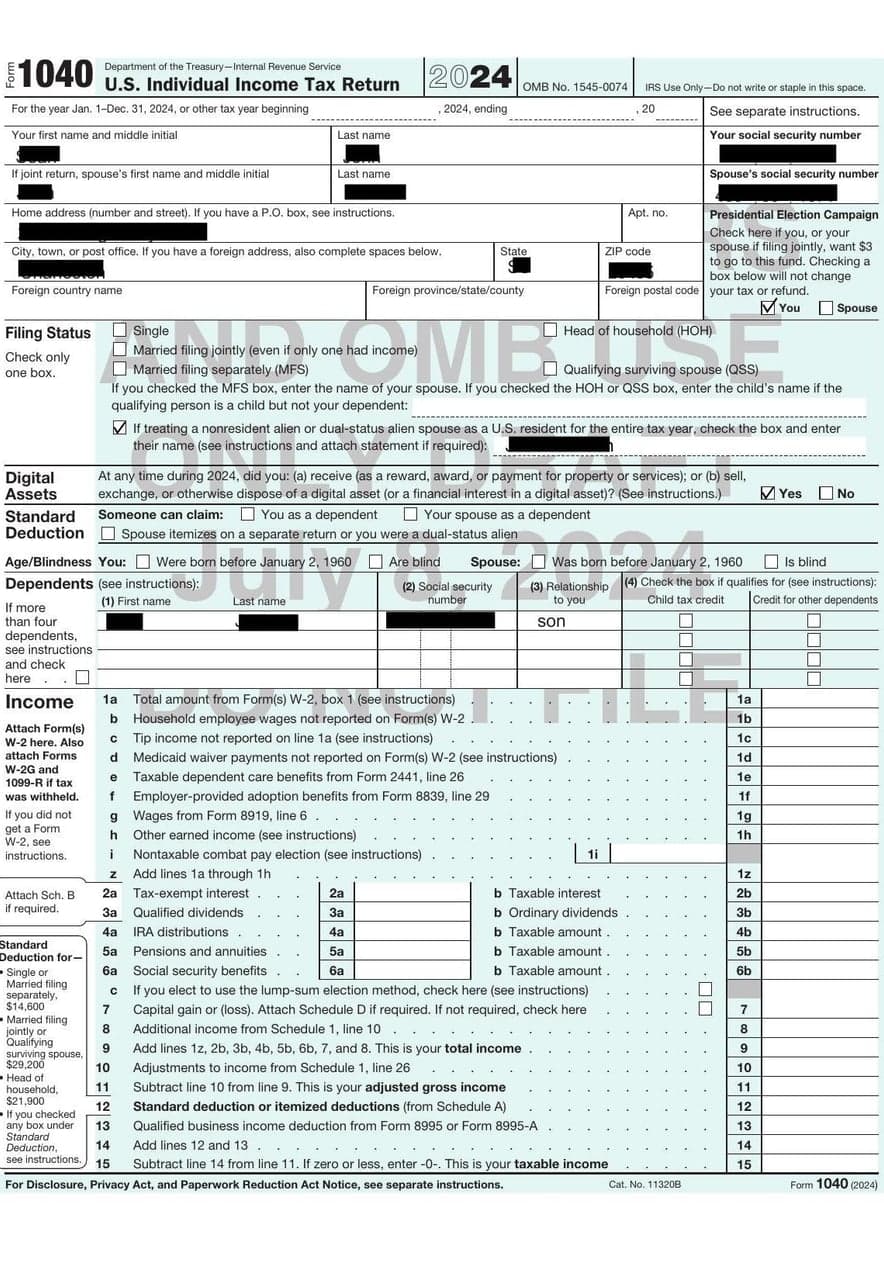
Before
How it works
Review the suggestions, adjust them, and download the result.
01
Find likely sensitive details
We scan the PDF and mark details that may need redaction, such as names or Social Security numbers.
02
Edit the suggestions
Keep, move, resize, or remove any box. You can also draw your own redactions.
03
Download your redacted PDF
When everything looks right, download a new PDF with the selected content removed.
Common details we can detect
Names
Email addresses
Physical addresses
Social Security numbers
Phone numbers
Financial data
Free, open source, and transparent
See what happens to your file, what we remove, and how to inspect the code.
Automatic deletion
Within one hour of your use of the site
We delete the original PDF, page images, and working files from our servers.
Open source
Public on GitHub
Read the code, report issues, or contribute to the project.
Review first
You control every redaction
Suggestions are only suggestions. Nothing is permanently removed until you review and download.
Redactions are permanent
Visible and selectable text
The finished PDF removes both the visible content and its selectable text layer.
To find likely sensitive information, we send page images to Google Gemini 4 Argon through the Gemini Developer API.
Black boxes that didn't hide anything
Drawing a black box over text in a PDF hides it on screen, but the text is usually still in the file. Anyone can select it, copy it, and paste it somewhere else.
It's an easy mistake to make, and federal agencies and high-profile lawyers keep making it.
Data center annual report: Agate LLC
Peak electricity demand: 52.65 MW
Water used last year: 13.299 million gallons
A mock-up of the Nebraska filing. Select the black boxes to read what's under them.
2026
Google marked the power and water use of its three Nebraska data centers as trade secrets. Reporters copied the blacked-out numbers from the reports the state posted online and pasted them into another document. The same trick showed the tax refunds each site expects, including $55.8 million for the Lincoln site.
10/11 NOW
2025
The Justice Department released court filings tied to Jeffrey Epstein with black bars over some of the allegations. People copied the bars into a word processor and posted the hidden text online. The department later swapped in image-only versions, but the originals had already been archived.
The Guardian
2019
Lawyers for Trump's former campaign chairman blacked out several passages in a public filing. Copying them revealed that prosecutors said Manafort had shared 2016 campaign polling data with Konstantin Kilimnik, an associate the FBI has tied to Russian intelligence. A fixed version went up within the hour, after the text had spread.
Vox
2009
The TSA posted a 93-page screening manual on a federal contracting site with the sensitive parts blacked out. People recovered those parts, which covered how screeners handle diplomats and air marshals and where the X-ray machines fall short. The TSA pulled the file, but a full copy was already spreading online.
CNN
2005
U.S. soldiers killed Italian intelligence officer Nicola Calipari at a checkpoint in Iraq. The military published its report with names blacked out, and Italian readers pasted the PDF into Word and read all of it, including the names of the soldiers involved.
Ars Technica
Every one of these comes down to the same mistake. When you download from RedactPDF.ai, we remove the text from the PDF instead of drawing over it.
Pricing
Why is this free?
RedactPDF.ai is a companion project to OpenGreenCard. We built it to help people share successful applications without exposing the personal details inside them. The same problem comes up in plenty of other PDFs, so anyone can use it.
The team also makes Wanderlog, which millions of travelers use. A free account removes the five-upload limit.
Want to inspect the code or contribute a change? View the source on GitHub.
FAQ
How do I redact a PDF?
Upload your PDF and review the areas we mark. Add, remove, move, or resize a redaction, then download the finished file. Your first five uploads do not require an account.
Is redaction permanent?
Yes. We remove the selected content and its selectable text layer instead of covering it with a black rectangle.
What happens to my PDF?
Your original file, page images, and working files are deleted within one hour of your use of the site.
Do you send files to a cloud AI model?
Yes. We send page images to Google Gemini 4 Argon to suggest redactions. We delete the original PDF, page images, and working files within one hour of your use of the site.
Is this open source?
Yes. You can read the code, report issues, or contribute on GitHub.